/form for Slack

7-day free trial · No credit card required
 Available in the Slack Marketplace




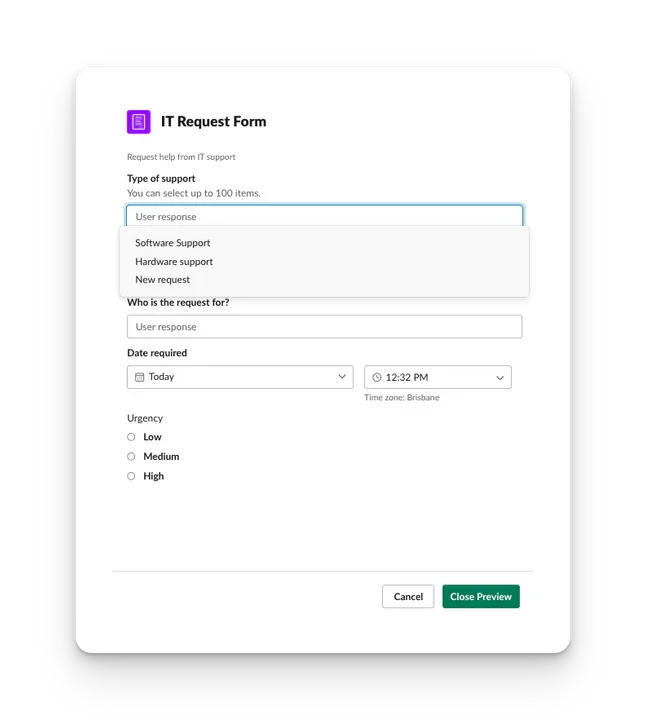
Easily create and submit Forms in Slack
Let your team quickly submit feedback, product requests, new ideas and more.
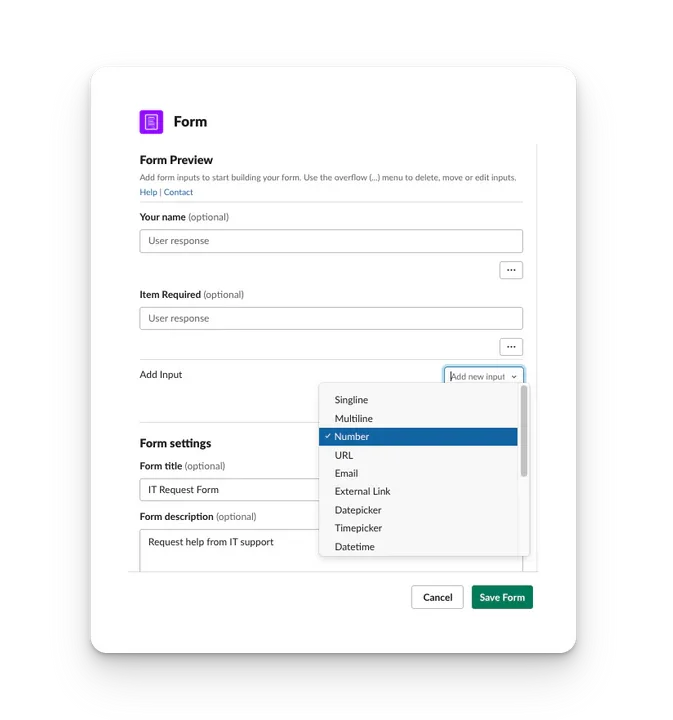
Quickly create all kinds of forms!
The fully embedded Form Creator lets you add many different input types including channel selectors, custom drop downs and datepickers without ever leaving Slack. Give your inputs a title and description and adjust settings to capture the information you need.
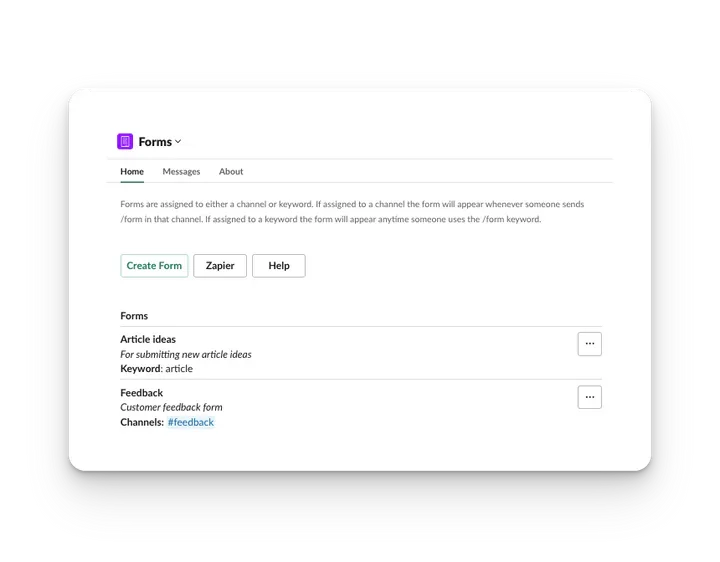
Manage forms without leaving Slack
Our dashboard means you never have to leave Slack or have your team learn a new system. Need to update a Form? You can edit or preview Forms all within the dashboard.
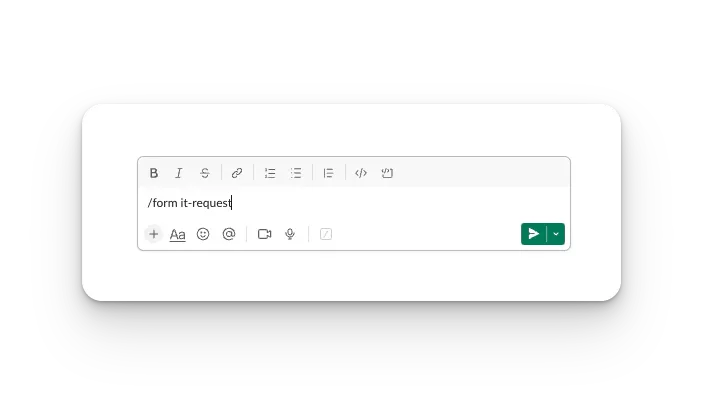
Open a Form anywhere in Slack
Assign Forms to a particular channel and use the /form command to automatically open it. Want to have your Form available in any Slack channel? Assign it a keyword like "lunch" and trigger it using /form lunch .
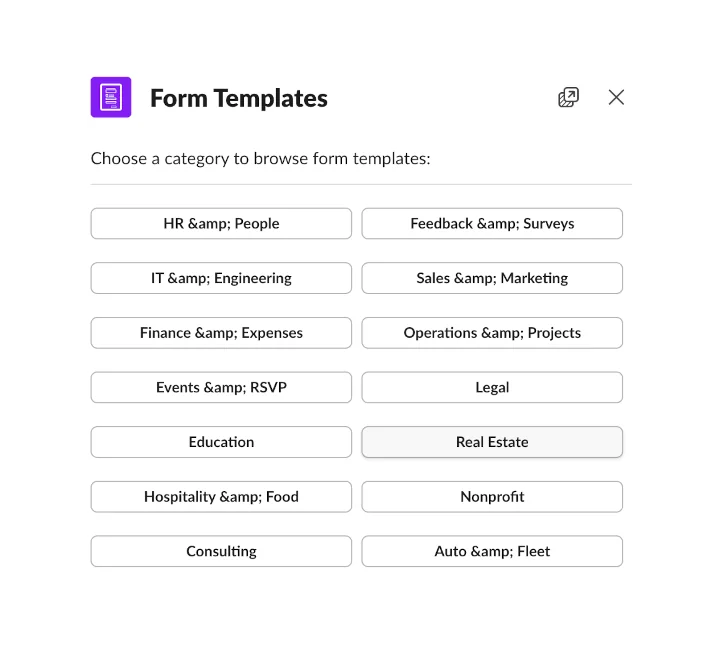
Start with 180+ ready-made templates
Browse a library of form templates organized by category — from HR and IT to Finance and Operations. Pick a template, customize it to fit your workflow, and publish it in seconds. No need to build forms from scratch.
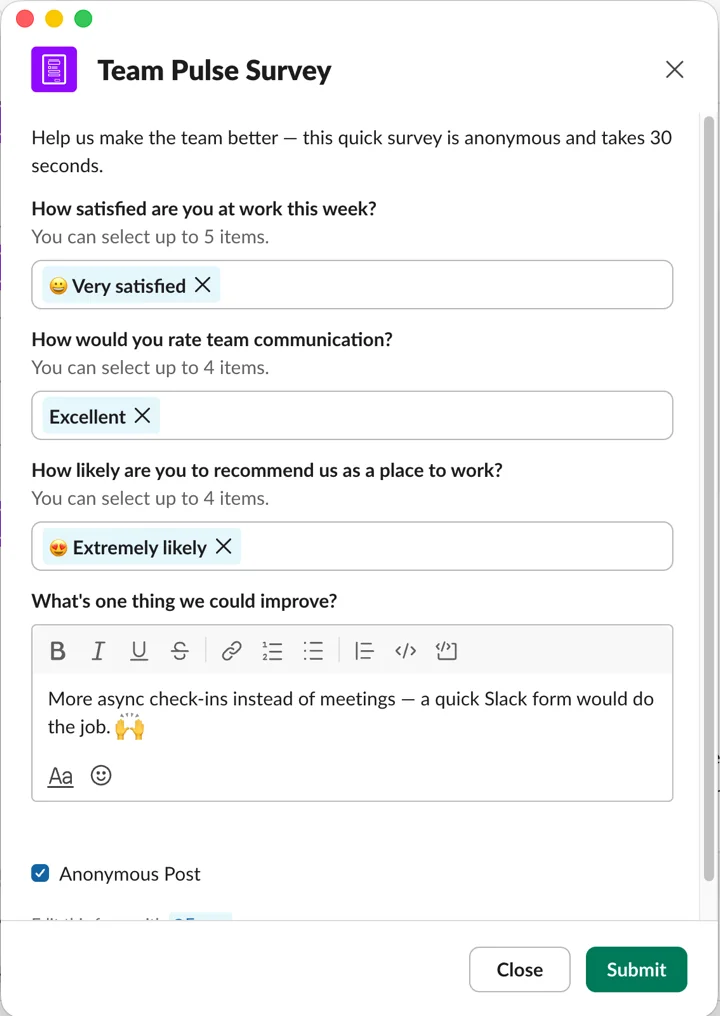
Run surveys right in Slack
Send employee pulse checks, NPS and customer feedback surveys to a channel or DM. Use rating scales, multiple-choice and open-text questions, and turn on anonymous responses so your team answers honestly.
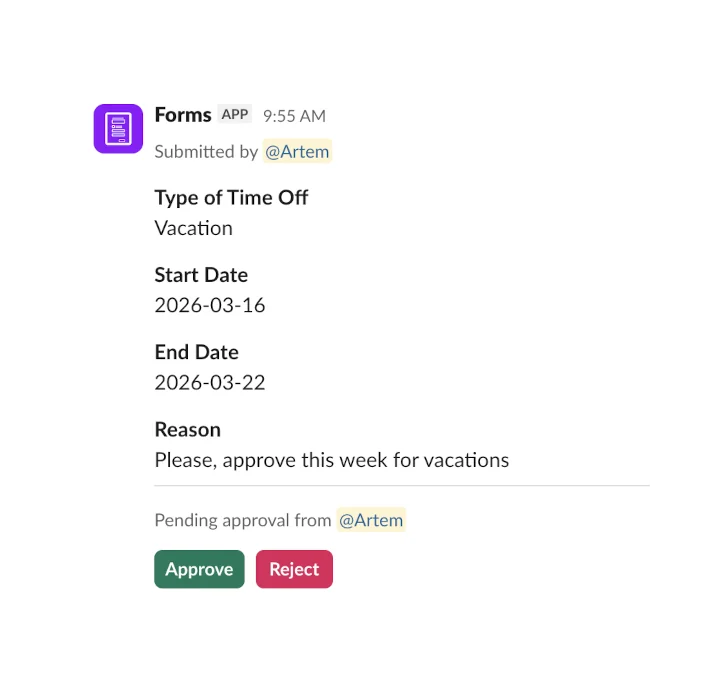
Built-in approvals right in Slack
Add an approval step to any form. When someone submits a response, the assigned approver gets a notification with all the details and can approve or reject it with a single click — all without leaving Slack.
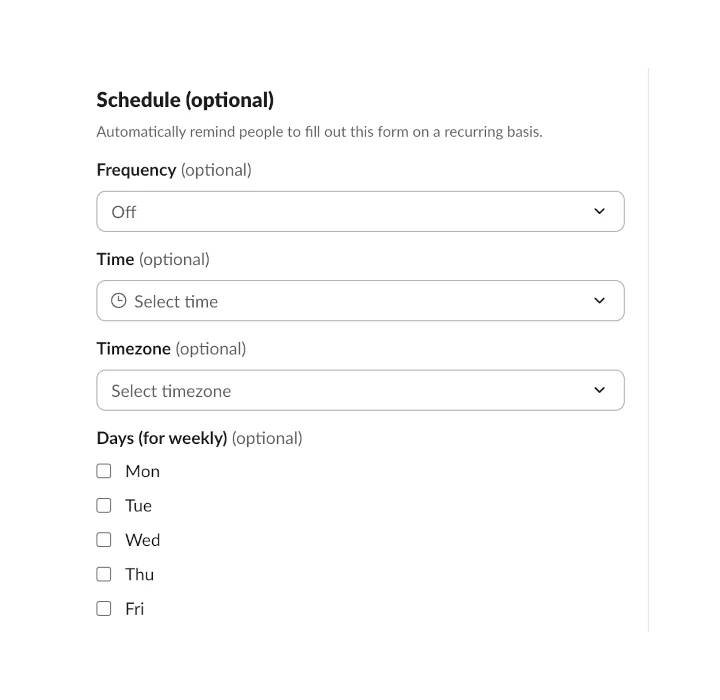
Recurring reminders on autopilot
Schedule any form to send automatic reminders — daily, weekly, or monthly. Set the time, timezone, and days, and Forms will notify your team in a channel or via DM. Perfect for standups, weekly reports, and recurring check-ins.
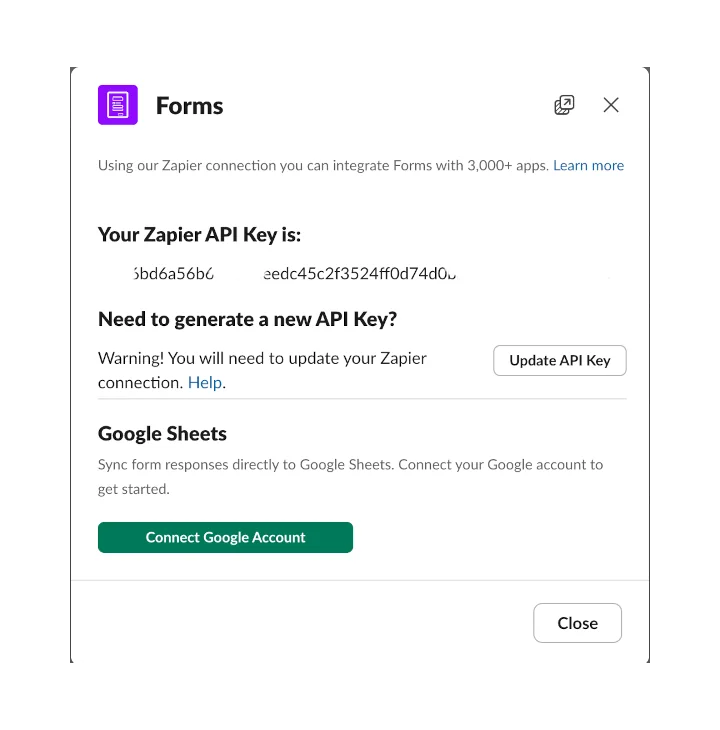
Native Google Sheets integration
Automatically sync every form response to a Google Sheet in real time. Connect your Google account, pick a spreadsheet, and responses flow in as new rows — no third-party tools needed. Also available via Zapier for 3,000+ other apps.
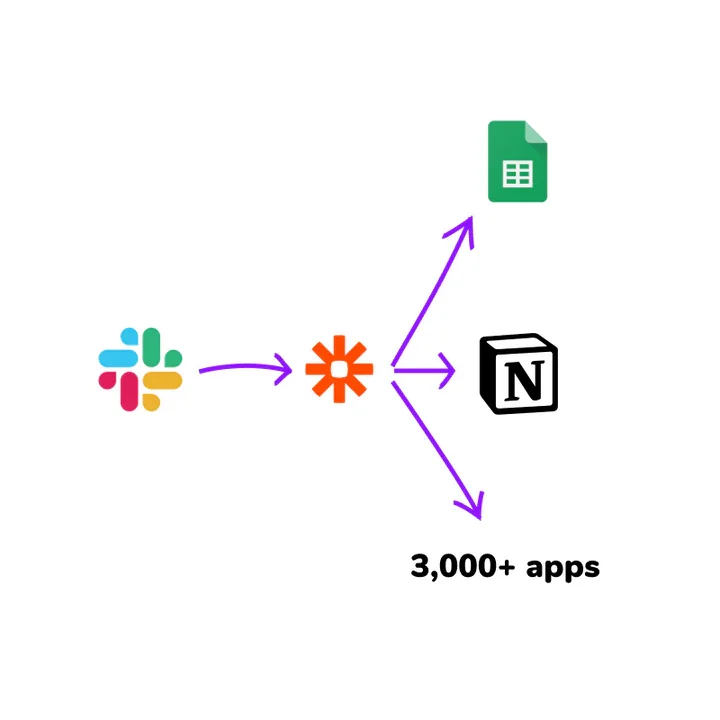
Send Responses to 3,000+ apps
Send Responses to 3,000+ apps
Watch the Demo
Creating, managing and submitting Forms is simple and fast. Watch this video to learn how to get started and how to use Forms in Slack.
Keep your work in Slack
IT requests, job submissions, lunch decisions! Your team is already working in Slack but using threads and channels in an inconsistent way.
Loose flowing text leads to inconsistent data, back-and-forth questions, missed information and time spent collecting it all.
Using Forms with Slack gives you back control over how your team is submitting requests. Create Forms that capture all the data you need using the built in editor and give your team an easy way to submit data consistently.
"Very helpful tool for coaches using slack with clients."
Great tool. Really helps for individual or group coaching updates. Simple and very effective 🙏🏼 - TJ

How are people using forms?
Start using forms in Slack
7 day free trial